KeyHatch · keyhatch.org
Sign inStart typing

ENGLISH TOUCH TYPING COURSE

A free touch typing course, from the F key to fluent typing.

90 short units for a US keyboard. Each one adds a few keys or one skill, guides your fingers while you practice, and ends with a check you take on your own.

  • 5–10 minutes a unit
  • 2,013 practice items
  • Course version 1.0, October 2026
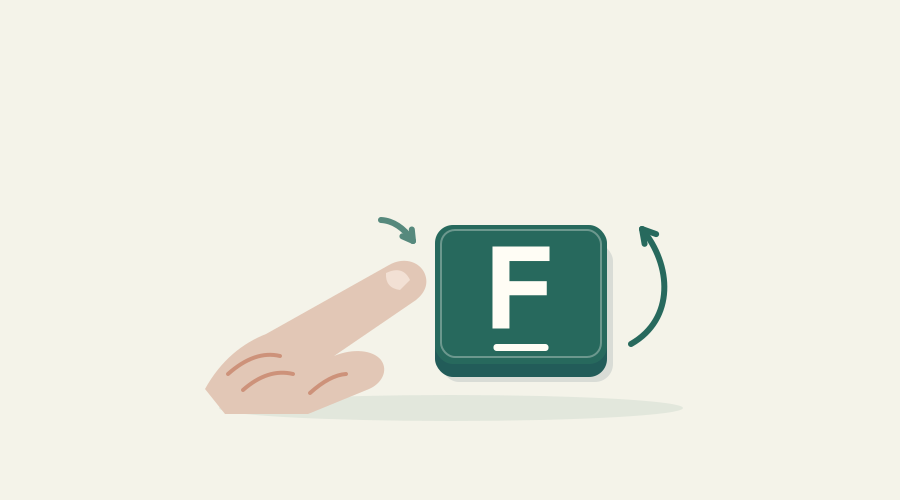
Illustration from unit 1: a fingertip touches the ridged F key, and an arc shows the finger lifting to release it.
Unit 1 · Find F and releaseAbout 5 minutes

UNITS 1–3

Open to everyone

No account and no email address. Just start.

UNITS 4–90

Free with an account

Sign up with Google or email. Accounts are for adults (18+) for now.

PAYMENT

None

No card, no trial, nothing that becomes a charge later.

THE COURSE

11 stages. 90 units. Every printable key.

The home row comes first, then the rest of the letters, capitals, numbers and every symbol on a US keyboard. The last stages are about editing, real messages and reading ahead.

  1. STAGE 01Units 1–5

    Start and recover

    Starts with: Find F and release

  2. STAGE 02Units 6–14

    Build the first words

    Starts with: Add D and K

  3. STAGE 03Units 15–23

    Connect keyboard rows

    Starts with: Add G

  4. STAGE 04Units 24–31

    Complete lowercase letters

    Starts with: Add P

  5. STAGE 05Units 32–41

    Write standard English

    Starts with: Right Shift with left-hand letters

  6. STAGE 06Units 42–48

    The number row

    Starts with: Find 4 and 7

  7. STAGE 07Units 49–59

    Shifted number symbols

    Starts with: Type an exclamation mark

  8. STAGE 08Units 60–69

    Complete symbol coverage

    Starts with: Type semicolons and colons

  9. STAGE 09Units 70–77

    Edit without restarting

    Starts with: Move the caret and insert

  10. STAGE 10Units 78–83

    Apply your skills

    Starts with: Write a useful message

  11. STAGE 11Units 84–90

    Fluency and qualifications

    Starts with: Read ahead in short phrases

  12. ALREADY TYPE?

    Skip ahead with a placement check

    Find your starting unit →

INSIDE A UNIT

Six practice blocks, then one check.

  1. 01

    Warm-up

    Earlier material, so the keys you learned stay learned.

  2. 02

    New key or new skill

    Each new key with its finger and which Shift to use.

  3. 03

    Short groups

    Key patterns before words.

  4. 04

    From memory

    The same kind of patterns, recalled.

  5. 05

    Words and tasks

    Words, phrases, structured text, editing and forms.

  6. 06

    Mission

    A small task set in the unit's scenario.

  7. 07

    Independent check

    The finger guide is off. If you ask for help, it shows the key for one item, and that item counts as supported.

Every unit has one clear job.

A title that says what you'll be able to do, and an illustration that shows it.
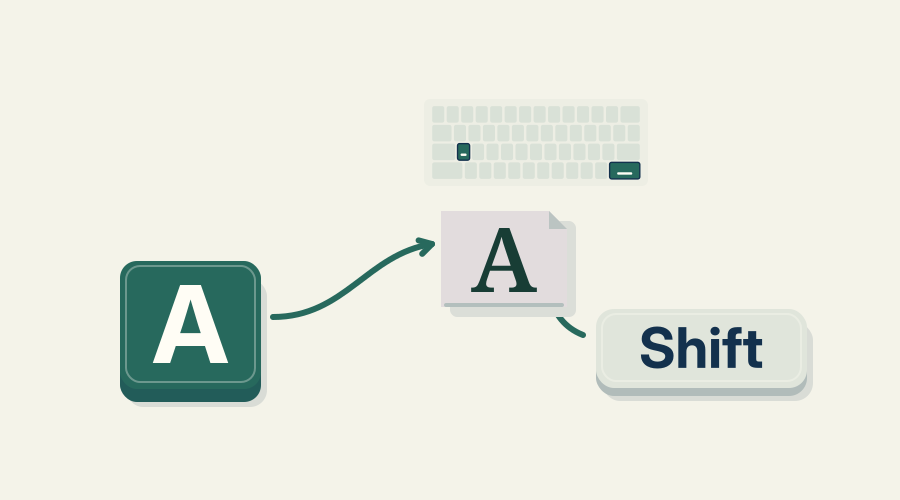
Illustration for unit 32: the right Shift key held while the left hand types a capital letter.
UNIT 32 · Right Shift with left-hand letters
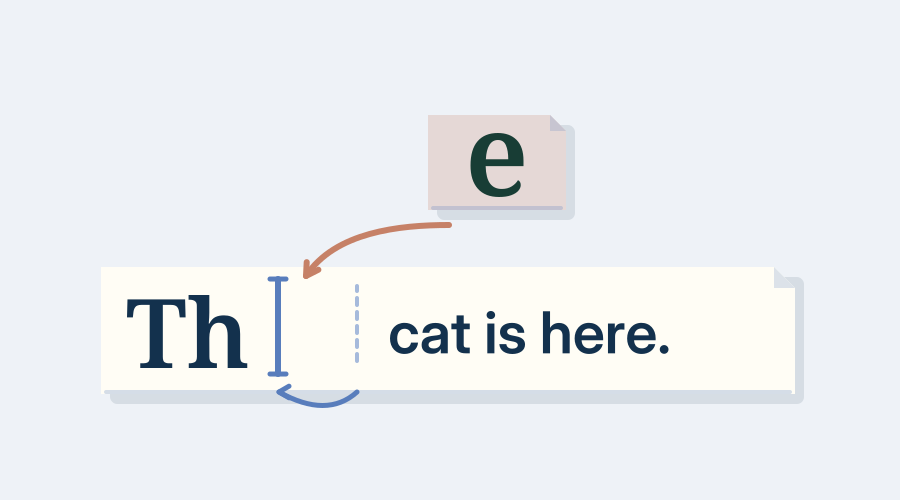
Illustration for unit 70: moving the caret inside a line and inserting text.
UNIT 70 · Move the caret and insert
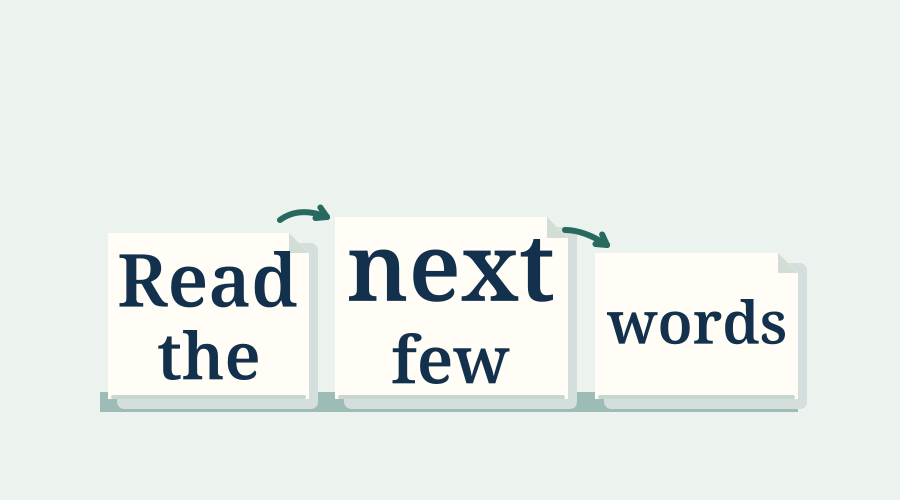
Illustration for unit 84: reading the next short phrase while typing the current one.
UNIT 84 · Read ahead in short phrases

What you need

Works with

  • A physical keyboard with the US (ANSI QWERTY) layout
  • A current desktop browser such as Chrome, Safari or Firefox
  • Any computer. 3D hands are optional; a 2D keyboard works everywhere

Not supported yet

  • Other layouts, such as UK, AZERTY or QWERTZ
  • Touch screens and on-screen keyboards
  • The numeric keypad

About the English course

How long does each unit take?
About 5 or 10 minutes. The early key units are short; most later units take about ten minutes. You can pause at any time.
What if I don't pass the check?
Practice the unit again and take another version of the check. Nothing is lost, and nobody else sees your result.
I already type. Do I have to start at unit 1?
No. Placement checks let you show what you already know and start at the right unit.
Can someone under 18 take the whole course?
Not yet. Units 1–3 need no account, but units 4–90 need one, and accounts are for adults for now. Family profiles aren't available yet. The Chinese course is open to everyone.

Start with F. Keep going.

Unit 1 is open now. No account, no download.